What is Tactile Sensor Data?
Contact measurements from a robot's fingertips or skin, covering pressure, force and, in optical sensors, images of the contact itself.
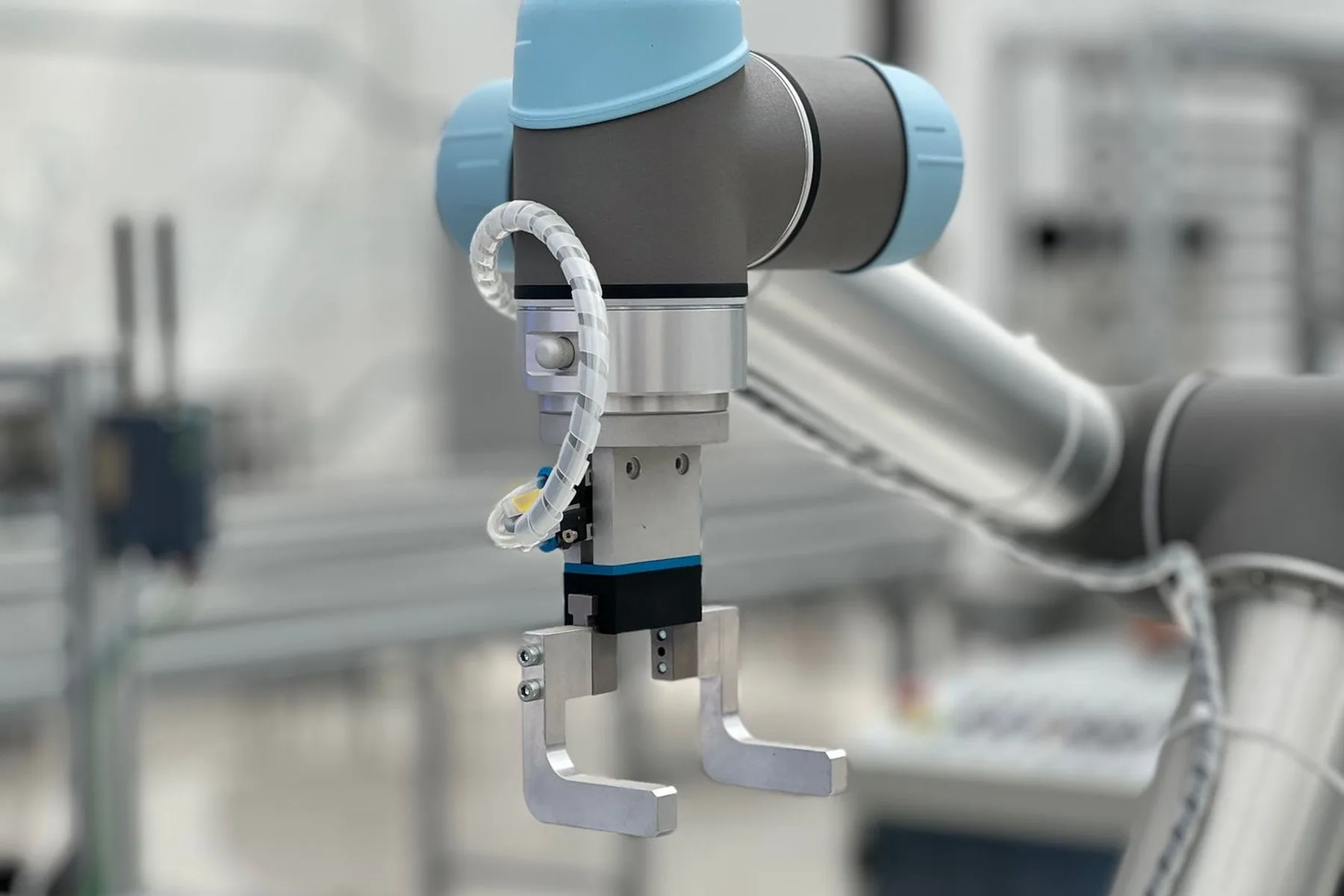
There are two families. Force-based sensors report numbers (normal force, sometimes shear), with fingertip versions usually rated in the single-digit to low-tens-of-newtons range. Optical tactile sensors such as GelSight and DIGIT put a camera behind a soft gel, so contact deforms the gel and the sensor returns a small image, often a few hundred pixels on a side, at tens of hertz.
That image is what makes the data useful and awkward at once. It shows slip, texture and the moment of contact directly, but the gel wears, readings drift as it ages, and the same object pressed twice does not produce identical images. Calibration between sensor and fingertip, and a replacement schedule for the gel, are part of any serious collection.
Because the sensor is mounted on the gripper, tactile data rarely transfers between platforms. A set collected on one hand is a reference for that hand, not a drop-in for another. It is nearly always collected to order, and the brief names the sensor, the objects and the force range before anything is recorded.
Sensor types and signal forms
The first split is force against image. Force-based sensors return numbers (normal force, sometimes shear) at a fingertip or at the wrist. A taxel array returns a low-resolution pressure map, a grid of cells that register where the object touches. Both are compact to store, and neither says much about texture, because neither sees the contact surface itself.
Optical tactile sensors return an image. A camera behind a soft gel watches the gel deform, so each frame shows the contact patch, its shape and how it changes as the object moves. That is a richer signal (slip, edges and texture become visible), and a heavier one: a small image per finger, streamed continuously, adds up, and every reading is relative to a calibrated baseline.
Placement is the third variation. Fingertip sensing sees the contact itself, which is what grasp and slip work needs. Palm or whole-skin sensing sees contact anywhere on the hand, which suits in-hand manipulation. A wrist force-torque sensor feels the whole arm's load rather than the contact. A different signal answering different questions, and one that says little about where on the finger the object sits.
What to specify when buying
Name the sensor and where it sits. Tactile data is tied to the hardware that produced it, and no two sensor families record the same contact the same way. A set collected on one hand is a reference for that hand rather than a drop-in for another. If the sensor is not yet chosen, choose it before commissioning, because the choice decides what the data can teach.
Force range and sampling rate are the next specifications. The events that matter (first contact, slip onset, release) last milliseconds, so a low sampling rate smooths away exactly the moments a policy needs. The force range has to match the objects: a range chosen for delicate items saturates on heavier ones, and saturated readings are unusable rather than merely imprecise.
Calibration and drift need an answer in the brief. Optical gels wear and readings shift as they age; force sensors need re-zeroing between sessions. Ask how calibration was maintained across the collection, how sensor replacement was handled, and whether the calibration record ships with the data. State the object list too, since tactile data is about contact, and the objects are half of it.
Related terms
-
Dexterous Hand Data
Demonstrations for multi-fingered robot hands, including in-hand manipulation that a two-finger gripper cannot do.
-
Grasping Data
Images, depth maps or point clouds of objects, annotated with the gripper poses that would pick each one up.
-
Robot Gripper Data
Episodes and signals tied to the end effector, including width, force, vacuum pressure and whether the grasp held.
Keep reading
-
Full glossary
Every term we explain, in one list.
-
How to buy training data
Where these terms actually show up, and which ones change a quote.
-
Help center
How a project runs, from specification to delivery.
Submit a sourcing request
Tell us the language, the hours, and what the data needs to look like. You will get a real number and a real timeline, not a range. If we cannot source it well, we will tell you that instead.
- Pilot batch before the full run, so problems surface early.
- Consent documentation delivered with the data.
- No medical or clinical data. No recorded telephone calls.
- You send the spec Language, hours, recording conditions, and the deadline.
- We reply within two business days A real number and a real timeline, not a range.
- You approve a pilot batch A small run first, so problems surface before the full order.
- Full run, then delivery with documents Audio, transcripts, and the consent record for every speaker.